
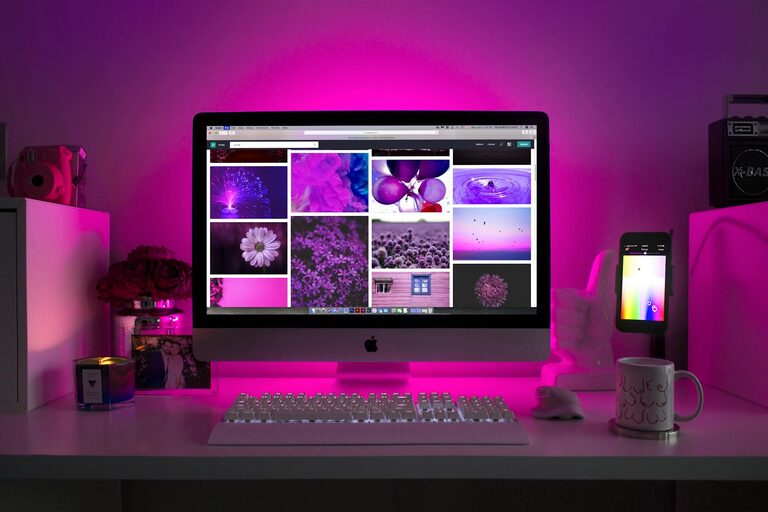
Creating a workspace that encourages focus and comfort is essential whether you work from home or in an office. The right desk setup can help reduce distractions, prevent aches and pains, and improve your productivity. This guide will walk you through practical tips to optimize your desk for both comfort and concentration.
Why a Good Desk Setup Matters
Your desk is more than just a spot to place your laptop — it plays a big role in how well you work. An efficient setup supports your posture, reduces fatigue, and helps your mind stay sharp. When your workspace is cluttered or uncomfortable, your focus can wane, and you may end up feeling drained by the end of the day.
Choosing the Right Desk and Chair
Desk Height and Size
– Height: Your desk should allow your arms to rest comfortably at about a 90-degree angle when typing. Standard desks are usually around 28-30 inches tall, but adjustable desks are great for a custom fit.
– Size: Choose a desk that has enough surface space for your computer, necessary tools, and some free space for writing or organizing.
Ergonomic Chair
– Look for a chair with adjustable height, lumbar support, and comfortable padding.
– Your feet should rest flat on the floor, and your thighs should be parallel to the ground.
– A chair with swivel and armrests can enhance comfort and mobility.
Organizing Your Desk for Focus
Declutter Regularly
A cluttered desk can be distracting. Keep only essential items on your workspace and store the rest out of sight. Use drawers, organizers, or shelves to maintain order.
Use Organizers
Desk trays, pen holders, cable managers, and document holders help keep items in place and reduce visual noise.
Position Essentials Within Reach
Keep frequently used items—like your phone, notepad, and pens—close enough to grab without stretching or standing up.
Monitor and Screen Setup
Screen Height and Distance
– Position your monitor so the top of the screen is at or slightly below eye level.
– The screen should be about an arm’s length away to reduce eye strain.
– If you use a laptop, consider a separate monitor or a laptop stand paired with an external keyboard and mouse.
Minimize Glare
Place your screen perpendicular to windows to avoid glare, which can cause eye fatigue.
Lighting for Comfort and Focus
– Natural light is ideal, so position your desk near a window if possible.
– Use adjustable desk lamps for focused lighting during darker hours.
– Choose bulbs with soft white or daylight tones to keep a natural feel.
Incorporating Plants and Personal Touches
Adding greenery has been shown to reduce stress and improve mood. A small plant or two on your desk can refresh the atmosphere. Include a few personal items like photos or artwork, but avoid overloading your space with distractions.
Tips for Maintaining Comfort Throughout the Day
Take Regular Breaks
Stand up, stretch, or walk around every 30 to 60 minutes to reduce stiffness and boost blood flow.
Adjust Your Position
Try to change your posture regularly. If you have a sit-stand desk, alternate between sitting and standing to avoid fatigue.
Stay Hydrated and Nourished
Keep a water bottle nearby and snack healthily to keep energy levels stable.
Additional Accessories to Enhance Focus
– Noise-Cancelling Headphones: Great for blocking background noise and improving concentration.
– Keyboard and Mouse: Choose ergonomic designs to reduce wrist strain.
– Desk Mats or Wrist Rests: Provide comfort during long typing sessions.
Final Thoughts
A well-designed desk setup can make a significant difference in your productivity and well-being. By focusing on ergonomics, organization, lighting, and personal comfort, you create a workspace that supports your best work. Start small—adjust your chair, tidy your desk, add some lighting—and gradually refine your setup to fit your needs perfectly.
Remember, your workspace should be as unique as your work style. Experiment with these tips, listen to your body, and make adjustments as needed. With the right setup, staying focused and comfortable becomes an easier, more natural part of your day.